HOW DO I PREPARE
MY ARTWORK FOR PRINTING?
To prepare your artwork to send over to your screen printer, ensure your file is a CLEAN VECTOR FILE (.ai, .eps, .svg, or .pdf).
If you do not have access to a vector file, try to at least send a high-resolution .png image file.
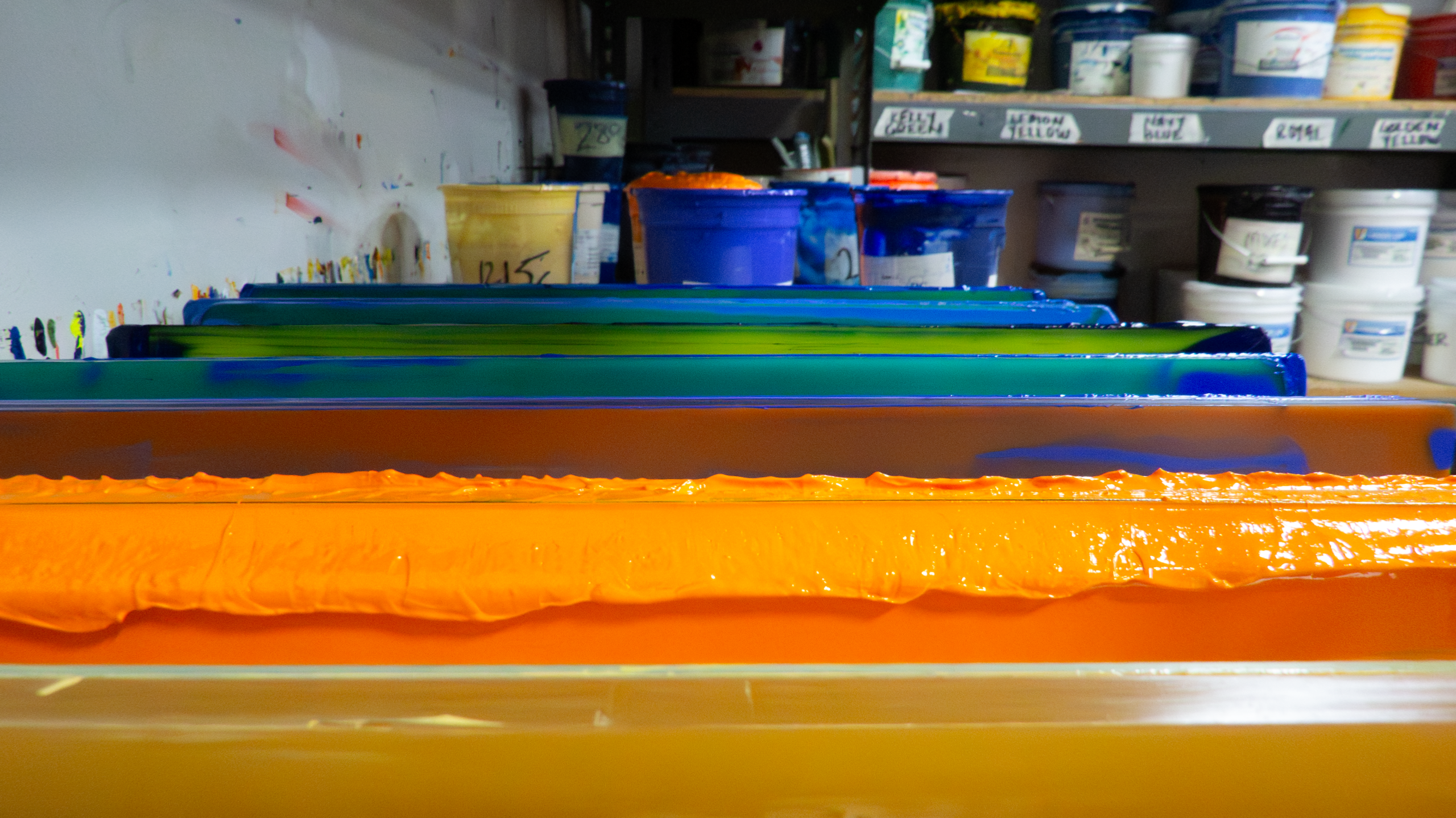
Double check with your screen printer what their maximum color limit is. This all depends on how many arms their automatic screen printing press has–in other words, how many screens can be loaded on their press, with one color per screen.
Screen Printing Northwest allows up to five colors per logo or design for a traditional screen printed design.
Have more than five colors? Not to worry. You have a couple of options. Our in-house graphic designer can either help simplify your logo or design down to five colors (which might just make a clean print that doesn’t overwhelm the eye!), or, if your design features complex color gradients, we can always use our premium DTF (direct-to-film) printer to produce a high-quality print.
Learn more about the difference between screen printing and DTF printing >
Learn more about what file type is best for screen printing >